Share Your Agent's Best Moments & Richer Market Data
Sharing
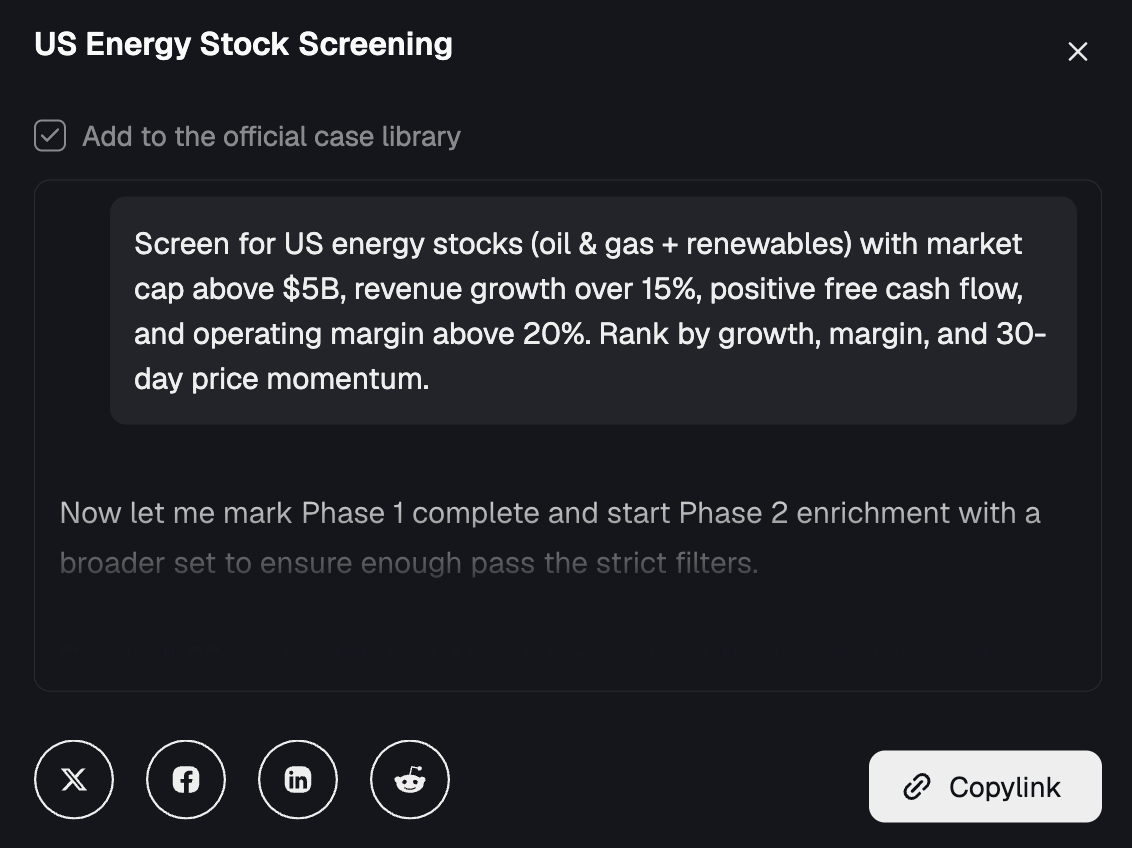
Now you can share the best moments between you and your Agent. Conversations, scheduled tasks, reports, HTML pages—anything your Agent produces can be shared via link or to other channels with one click. Anyone who opens the link sees the full content. Even better, you can remix other people's shared schedules: hit "Try this schedule" and the prompt drops right into your input box, ready to go.
Richer data, more reliable access
- Market data: Expanded and enhanced coverage for crypto, forex, commodities, ETFs, and mutual funds
- Social media: You can now query user posts and comments about stocks on X
- Technical indicators: SMA, EMA, RSI, ADX and other popular indicators are now built in
- Company & financials: Improved coverage of financial statements, earnings calls, SEC filings, ESG, dividends, and distributions
- Stock screener: Filter stocks by valuation, growth, profitability, market cap, sector, and more
- Other data: Macro economics, congressional trading disclosures, CFTC futures positioning, ETF holdings exposure, and more are now available
.xlsx file analysis and generation
You can now upload, generate, and export xlsx files. Upload a spreadsheet and let your Agent analyze it, or have your Agent create a brand-new xlsx—great for collecting data or building financial models. All xlsx files can be previewed directly inside Driven, no need to download and open locally.
Real-time Telegram responses
Previously, asking Driven a question in Telegram meant waiting in silence. Now your Agent's analysis progress and tool calls are shown in real time right in the chat, so you can see exactly what it's doing for you.
Skills Market page
Visit driven.ai/skills to browse details on every built-in Driven Skill. More to come.
Polish
Scheduled tasks got a round of refinement: you can now see which channel a task pushes to, long outputs can be expanded and collapsed, and you can quickly create tasks right from the Schedule panel. Tool call results and scheduled task outputs display more cleanly in chat, and the push notification style is tidier.